Easy Media Suite Easy Player 2.0: A Complete Guide to Streamlined Media Management and Content Creation
Table of Contents
In today’s digital world, managing multimedia content efficiently is essential for creators, businesses, educators, and marketers. Easy Media Suite is a comprehensive media management and editing solution designed to simplify the process of organizing, editing, enhancing, and exporting various types of media files. Whether you are working with videos, images, audio files, or presentations, the software provides a centralized workspace that helps users complete projects faster and more efficiently. Its user-friendly interface and versatile toolset make it suitable for both beginners and experienced professionals seeking a reliable media production workflow.
Step 1: Create a New Project
Getting started with Easy Media Suite begins by creating a new project. The software offers a streamlined project creation process that allows users to define project settings before importing any media. You can choose project names, storage locations, resolution settings, and other essential parameters to keep your work organized from the start. Establishing the correct project settings early helps prevent workflow issues later and ensures consistency throughout the production process. This organized approach makes project management easier, especially when handling multiple media assets simultaneously.
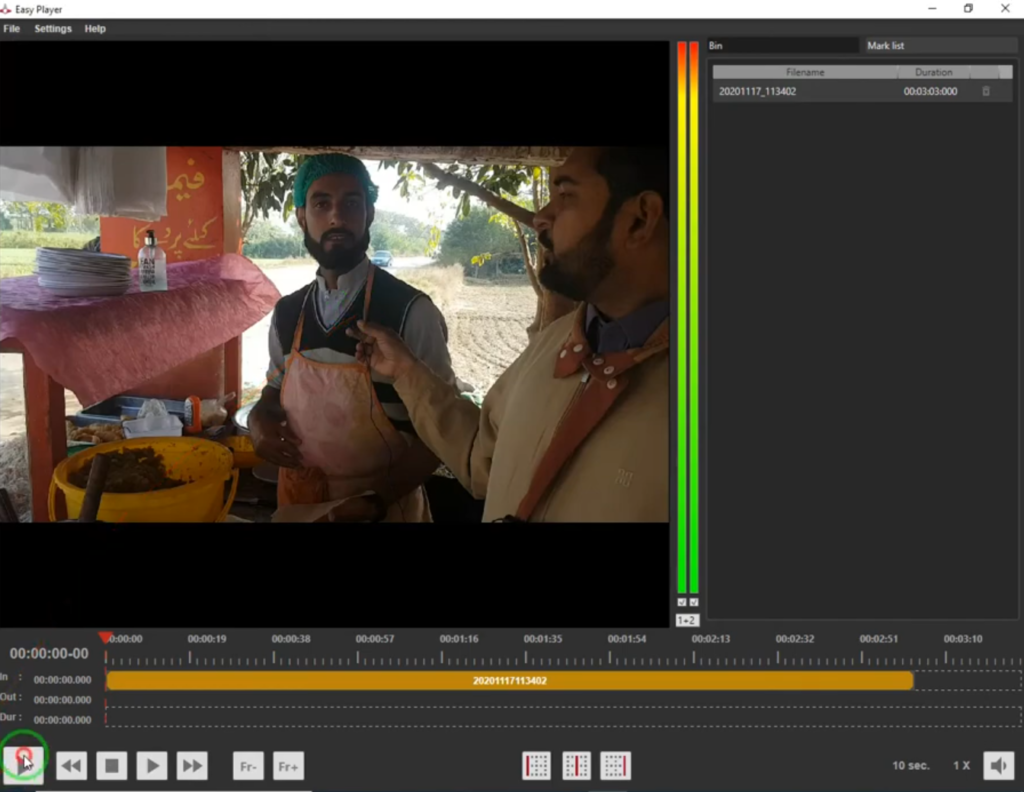
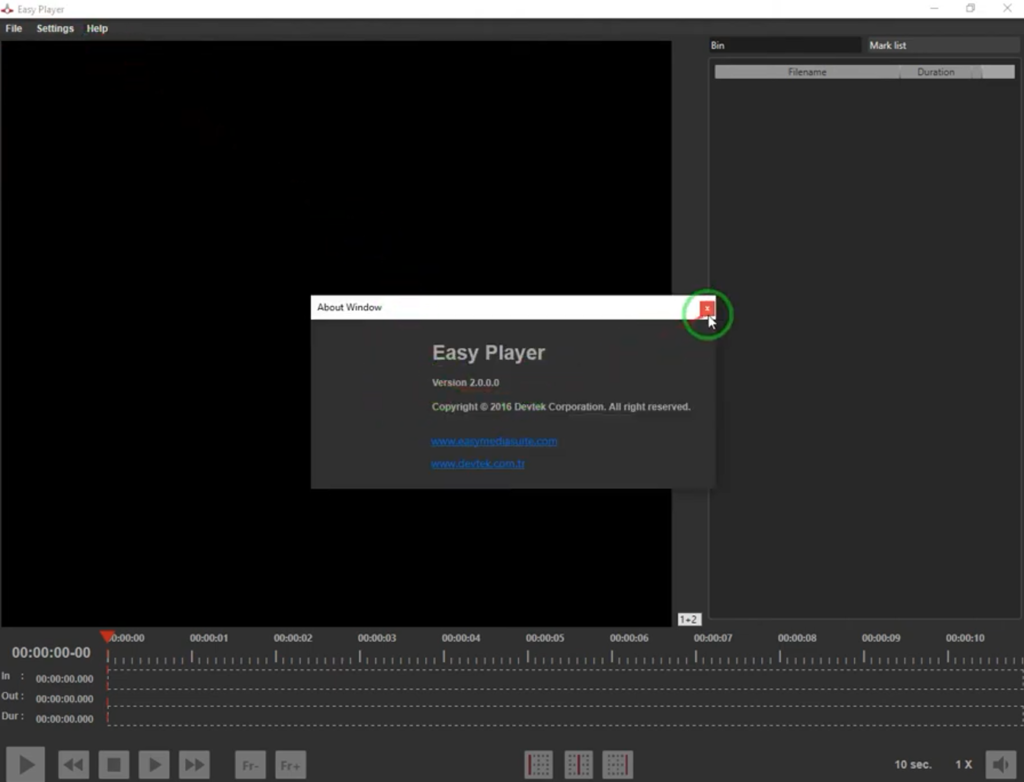
Step 2: Import Media / Setup
Once the project is created, the next step is importing media files into the workspace. Easy Media Suite supports a wide range of file formats, allowing users to bring videos, images, audio tracks, graphics, and other assets into a single project environment. The media library is designed to keep files organized and easily accessible throughout the editing process. Users can create folders, categorize assets, and preview content before use. This efficient setup process reduces clutter and helps creators maintain a structured workflow even when managing large media collections.
Step 3: Main Workflow (Editing and Media Production)
The core functionality of Easy Media Suite revolves around its intuitive editing and production tools. Users can arrange media assets on a timeline, trim clips, synchronize audio, adjust visuals, and create polished multimedia projects without extensive technical knowledge. The interface is designed to balance simplicity and functionality, allowing beginners to learn quickly while still offering advanced controls for experienced users. Real-time previews help users evaluate edits instantly, reducing production time and improving creative decision-making. This streamlined workflow makes content creation more productive and enjoyable.
Step 4: Add Features (Effects, Tools, and Customization)
Easy Media Suite includes a variety of effects and customization options that enhance project quality and creative flexibility. Users can apply transitions, filters, color corrections, overlays, text elements, and audio enhancements directly within the software. Customization tools allow projects to be tailored to specific branding requirements or creative goals. Whether creating marketing videos, educational presentations, social media content, or multimedia campaigns, these built-in features help improve visual appeal and audience engagement. The ability to personalize content efficiently makes the software suitable for diverse production needs.
Step 5: Export / Save Output
After completing the project, Easy Media Suite provides flexible export options for sharing and distribution. Users can choose from multiple output formats, resolutions, and quality settings depending on their intended platform or audience. Whether exporting for social media, websites, presentations, or professional delivery, the software simplifies the final rendering process. Export presets help optimize content for specific use cases while maintaining visual and audio quality. This efficient output workflow ensures projects are delivered quickly and accurately without requiring extensive technical adjustments.
Best Use Cases for Easy Media Suite
Easy Media Suite is suitable for a wide range of content creation and media management scenarios. Its versatile functionality makes it valuable for both personal and professional projects.
Some common use cases include:
- Video content creation for social media platforms
- Marketing and promotional media production
- Educational presentations and training materials
- Corporate communication projects
- Multimedia content management
- Podcast and audio project enhancement
- Small business branding and advertising
- Creative portfolio development
Its flexibility allows users from various industries to streamline media workflows while maintaining professional-quality results.
Advantages and Limitations
Like any software solution, Easy Media Suite offers several strengths while also having a few limitations that users should consider before adopting it as their primary media production platform.
Advantages
One of the biggest advantages of Easy Media Suite is its user-friendly interface. The software is designed to reduce complexity, making it accessible to beginners while still providing sufficient functionality for experienced users. Its centralized media management system helps improve organization and efficiency throughout the creative process. Additionally, support for multiple media formats allows users to handle various content types within a single workspace, reducing the need for multiple applications.
Another major benefit is the software’s integrated editing and customization tools. Users can perform essential editing tasks, apply effects, enhance media quality, and export projects without relying on third-party software. This all-in-one approach saves time and simplifies project workflows. The software’s scalability also makes it suitable for individual creators, educators, marketers, and small businesses seeking cost-effective media production solutions.
Limitations
Despite its strengths, Easy Media Suite may not provide every advanced feature found in specialized professional editing software. Users working on highly complex productions may occasionally require additional tools for advanced visual effects, motion graphics, or detailed audio engineering tasks. Depending on project requirements, some professionals may find certain advanced customization options more limited compared to enterprise-level production platforms.
Performance may also vary based on easyplayout download 2026 hardware specifications and project complexity. Large projects containing high-resolution media files may require more powerful system resources to maintain optimal responsiveness during editing and rendering processes. Users should evaluate their hardware capabilities before working with resource-intensive projects.
Alternatives to Easy Media Suite
Several alternative media production solutions are available for users seeking different features or workflow approaches. Popular alternatives include:
- Adobe Premiere Pro
- DaVinci Resolve
- CyberLink PowerDirector
- Wondershare Filmora
- Corel VideoStudio
- VEGAS Pro
- Camtasia
- Pinnacle Studio
Each alternative offers unique strengths, making it important to compare features, pricing, system requirements, and intended use cases before making a final decision.
Frequently Asked Questions (FAQs)
Is Easy Media Suite suitable for beginners?
Yes. Easy Media Suite is designed with a user-friendly interface that helps beginners learn media editing and management quickly while still offering useful tools for more experienced users.
What types of media can Easy Media Suite handle?
The software typically supports videos, images, audio files, graphics, presentations, and other multimedia assets used in content creation projects.
Can Easy Media Suite be used for professional projects?
Yes. Many professionals use Easy Media Suite for content creation, marketing campaigns, educational materials, and business presentations due to its efficient workflow and versatile editing capabilities.
Does Easy Media Suite support high-quality exports?
Yes. The software offers multiple export settings that allow users to generate high-quality output suitable for online publishing, presentations, and professional distribution.
Is Easy Media Suite good for content creators?
Absolutely. Content creators benefit from its organized workflow, media management features, editing tools, and export flexibility, making it a practical solution for regular content production.
Conclusion
Easy Media Suite provides a practical and efficient solution for managing, editing, and exporting multimedia projects. Its combination of user-friendly design, flexible media support, and integrated editing tools makes it a valuable choice for creators, educators, businesses, and marketing professionals. While advanced users may occasionally require specialized software for highly complex productions, the platform delivers a balanced set of features suitable for most everyday media creation needs. For anyone seeking a streamlined media production workflow, Easy Media Suite offers a reliable and productive environment that simplifies content creation from start to finish.
Download
Telegram ID
eMail