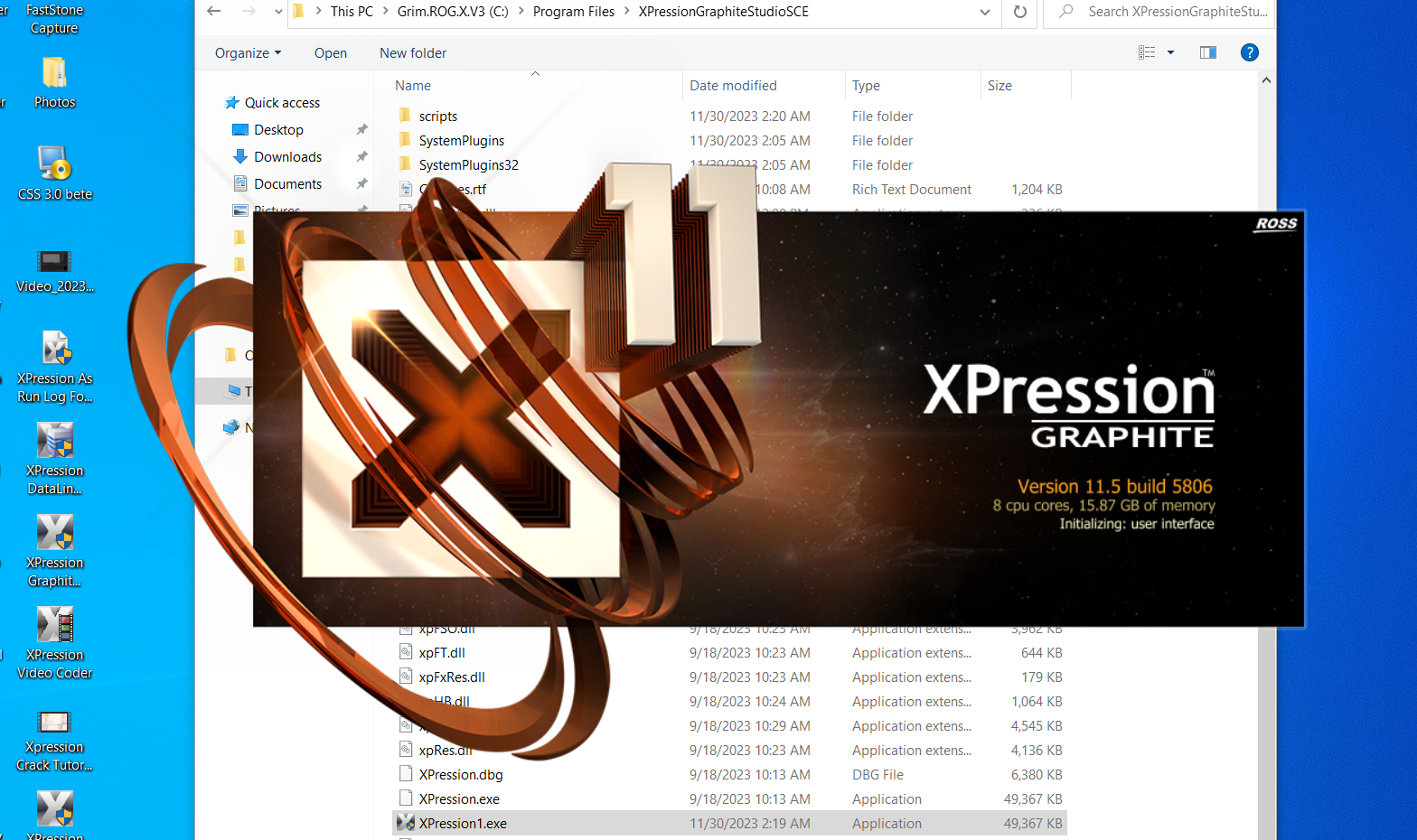
Overview of Ross XPression Graphite 11.5
In the world of live broadcasting and media production, high-quality graphics play a crucial role in audience engagement. Ross XPression Graphite is a powerful real-time motion graphics solution designed for television studios, live events, and professional productions.
This software combines advanced rendering capabilities with a user-friendly interface, making it suitable for both experienced designers and beginners. Whether you are creating lower thirds, animations, or full broadcast graphics packages, Ross XPression Graphite offers the tools needed for high-end visual production.
Its real-time workflow and seamless integration with broadcast systems make it a preferred choice for professionals who demand performance and reliability.
Key Features of Ross XPression Graphite
Ross XPression Graphite comes packed with features that enhance creativity and productivity.
Real-Time Motion Graphics
- Create dynamic graphics instantly without rendering delays
- Ideal for live TV and fast-paced production environments
Powerful Rendering Engine
- High-quality output with smooth animations
- Supports complex visual effects
Data Integration
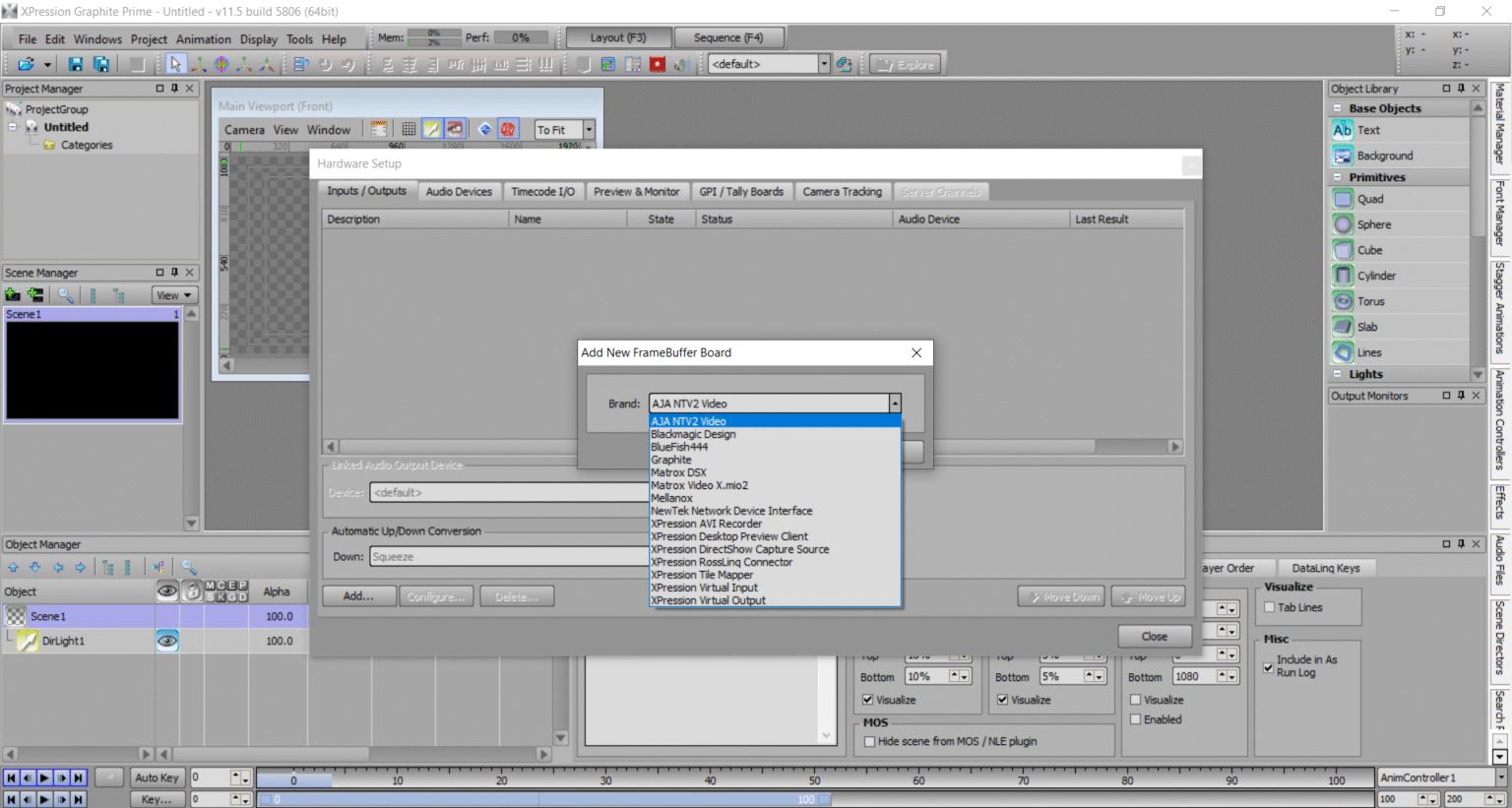
- Connect with live data sources such as sports stats or news feeds
- Automatically update graphics in real time
Template-Based Workflow
- Use pre-designed templates for faster production
- Customize designs easily
Multi-Channel Output
- Manage multiple outputs simultaneously
- Suitable for large-scale broadcasting setups
What’s New in Latest Version Ross XPression Graphite
The latest version of Ross XPression Graphite introduces several improvements that enhance usability and performance.
- Improved rendering speed for smoother graphics playback
- Enhanced user interface for better workflow management
- Expanded compatibility with modern broadcast systems
- Advanced data integration options
- Stability improvements and bug fixes
These updates make the software more efficient for handling complex production tasks.
System Requirements
Before installing, ensure your system meets the following requirements.
Minimum Requirements
- Operating System: Windows 10/11
- Processor: Intel Core i5 or equivalent
- RAM: 8 GB
- GPU: Basic graphics card
- Storage: 10 GB free space
Recommended Requirements
- Processor: Intel Core i7 or higher
- RAM: 16 GB or more
- GPU: High-performance dedicated graphics card
- Storage: SSD for faster performance
Meeting the recommended specifications ensures optimal performance during live production.
Installation Guide
Installing Ross XPression Graphite is straightforward if you follow these steps:
- Download the official installation package
- Run the installer on your system
- Accept the license agreement
- Choose installation location
- Complete installation and launch the software
Ensure your graphics drivers are updated for the best experience.
How to Use Ross XPression Graphite: A Quick Start Guide
Step 1: Create a New Project
Launch the software and create a new project. Set your resolution, frame rate, and output format based on your broadcast needs.
Step 2: Import Media / Setup
Import images, videos, and other assets. Organize them within the media library for easy access.
Step 3: Main Workflow (editing/design/etc.)
Design your graphics using layers, animations, and effects. Arrange elements on the timeline and preview in real time.
Step 4: Add Features (effects/tools/customization)
Apply transitions, motion effects, and data-driven elements. Customize templates to match your branding.
Step 5: Export / Save Output
Render your project or output it directly to your broadcast system. Ensure settings are optimized for quality and performance.
Best Use Cases for Ross XPression Graphite
Ross XPression Graphite is ideal for various professional scenarios:
- Live television broadcasting
- Sports graphics and scoreboards
- News channel production
- Event and conference displays
- Corporate video presentations
Its flexibility makes it suitable for both small studios and large production houses.
Advantages and Limitations
Advantages
- Real-time graphics rendering
- Professional-quality output
- Easy integration with broadcast systems
- Template-based workflow for efficiency
- Supports live data integration
Limitations
- Requires high-performance hardware for best results
- Learning curve for beginners
- Premium features may require additional setup
Alternatives to Ross XPression Graphite
If you are exploring other options, consider these alternatives:
- Vizrt – Advanced broadcast graphics solution
- Adobe After Effects – Motion graphics and visual effects software
- NewBlue Titler Live – Live graphics and titling tool
- CasparCG – Open-source broadcast graphics server
Each alternative offers different features depending on your workflow and budget.
Frequently Asked Questions (FAQs)
What is Ross XPression Graphite used for?
It is used for creating real-time broadcast graphics and animations for live production.
Is Ross XPression Graphite suitable for beginners?
Yes, but beginners may need some time to learn advanced features.
Can it be used for live broadcasting?
Yes, it is specifically designed for live production environments.
Does it support real-time data integration?
Yes, it can connect with external data sources for dynamic updates.
Is it worth using for professional projects?
Absolutely, it delivers high-quality results suitable for professional broadcasting.
Conclusion
Ross XPression Graphite is a powerful and versatile tool for creating high-quality broadcast graphics. Its real-time rendering, advanced features, and seamless integration make it a top choice for professionals in the media industry.
While it may require some learning and a capable system, the results it delivers are impressive. Whether you are producing live TV content or designing event graphics, Ross XPression Graphite 2026 provides the tools needed to create visually stunning and engaging content.
Download
Telegram ID
eMail