VisualCG 3D v2.1.2: Professional 3D Broadcast Graphics and CG Workflow
VisualCG 3D is a professional graphics solution designed for creating dynamic three-dimensional broadcast visuals, titles, lower thirds, logos, and other on-screen graphics. Modern broadcasters need graphics that are attractive, responsive, and easy to manage during live productions, and 3D graphics software can help meet those demands. VisualCG 3D 2027 can be useful for television channels, live events, news programs, sports productions, and multimedia presentations. With a structured workflow, beginners can learn how to build professional graphics while experienced operators can create more customized and visually engaging content.
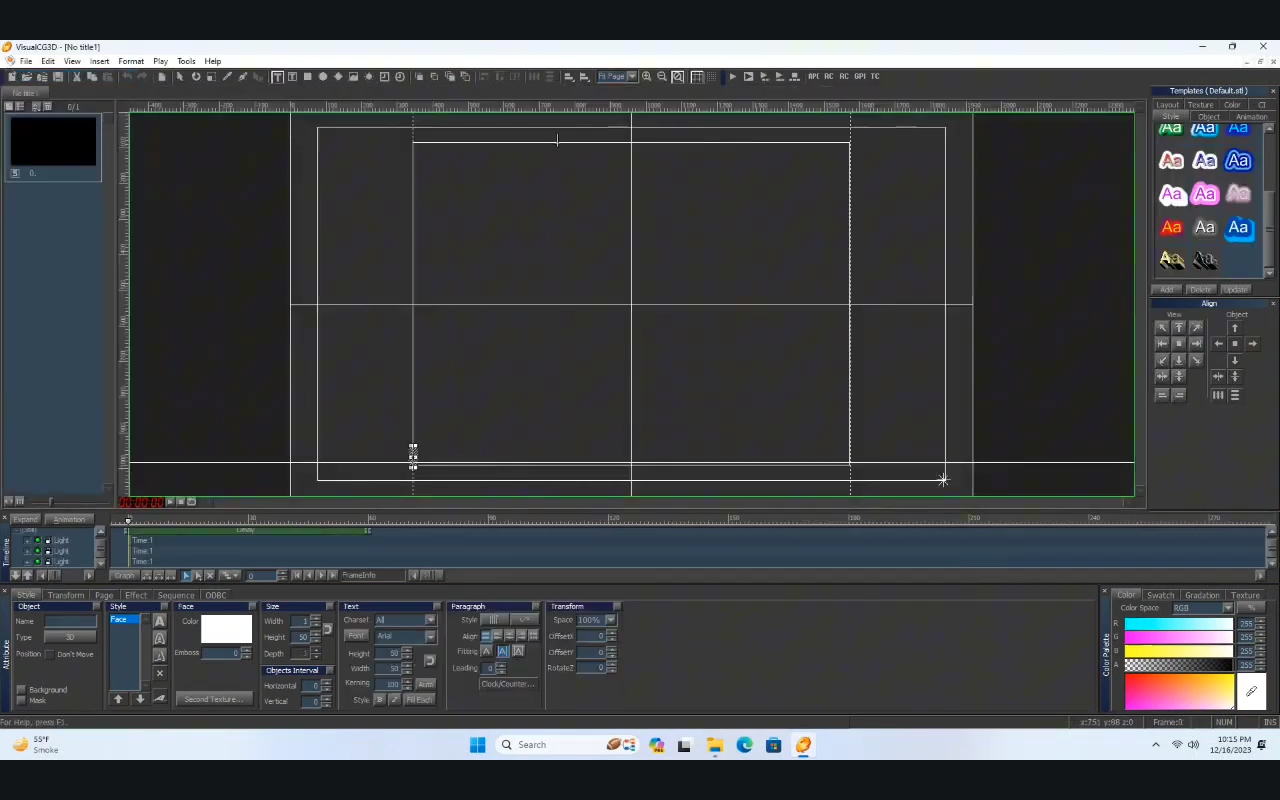
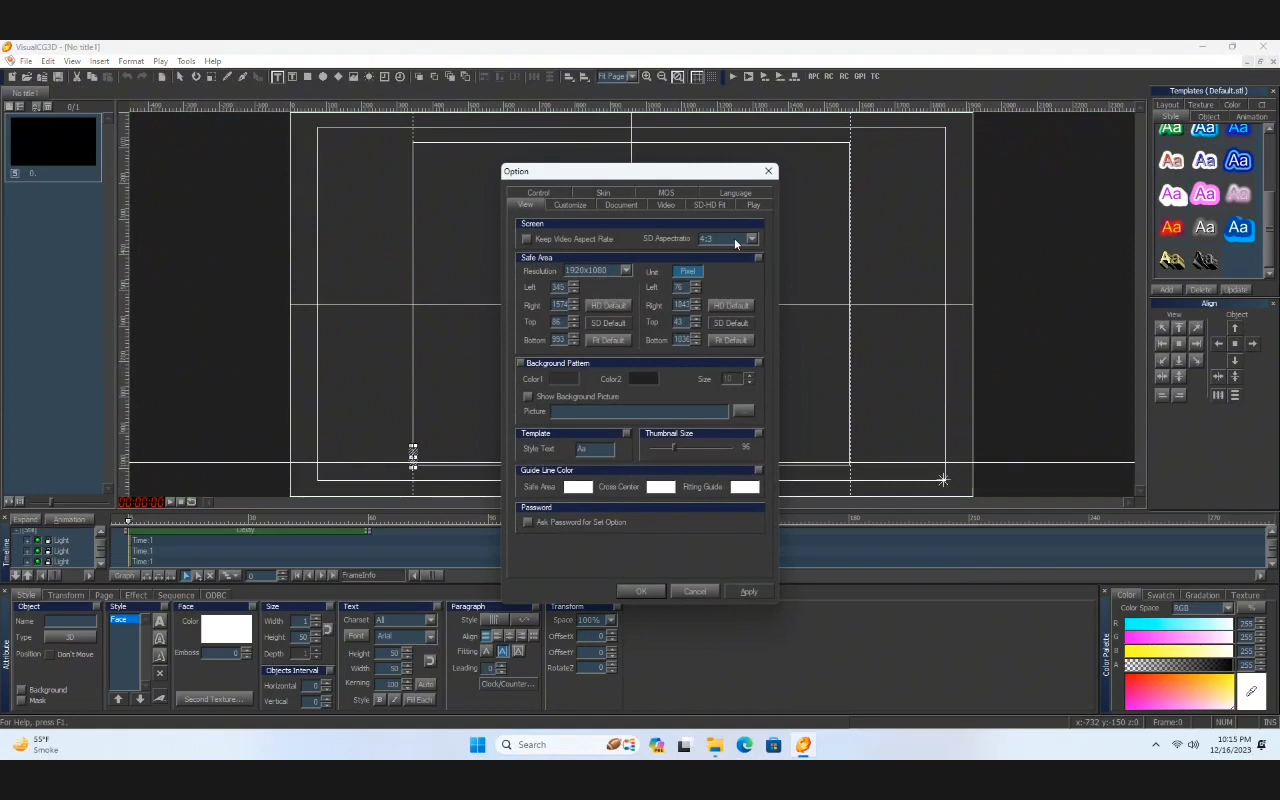
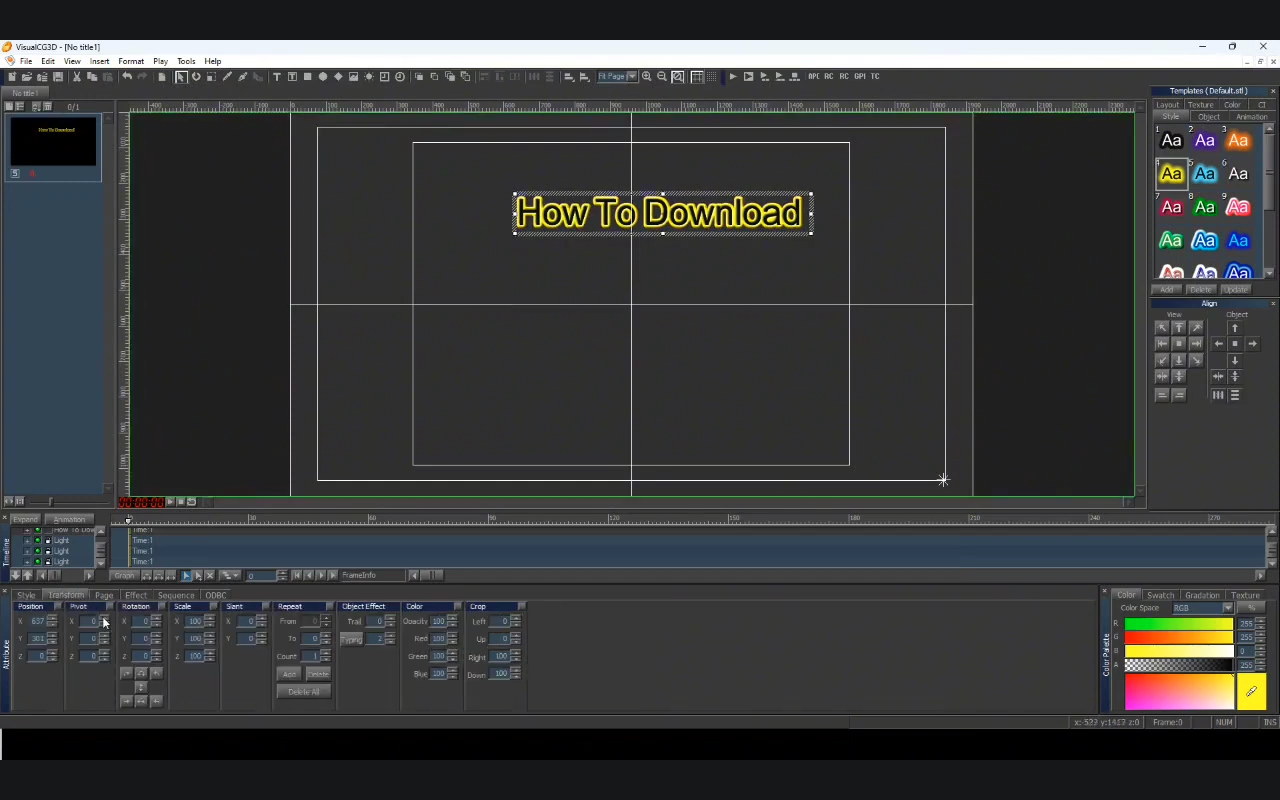
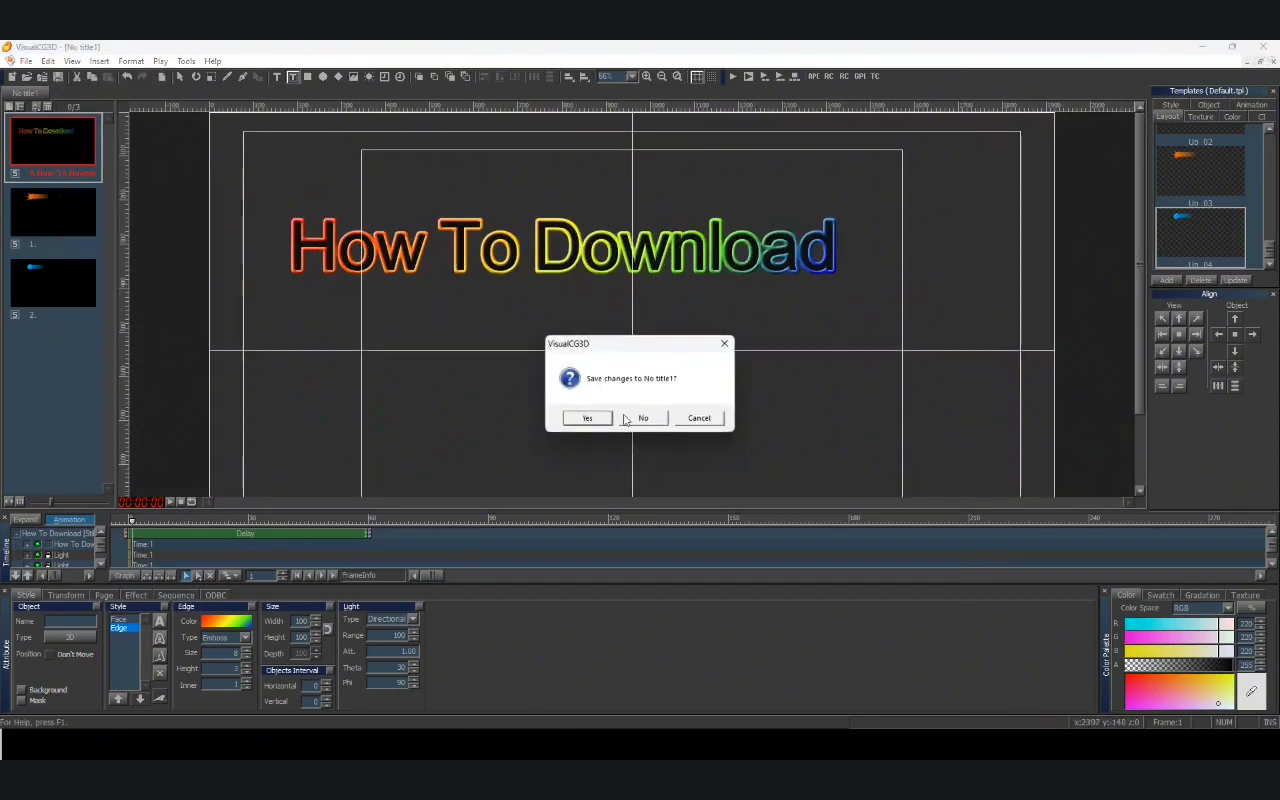
Step 1: Create a New Project
The first step in working with VisualCG 3D is creating a new project. A project provides the workspace where graphics, design elements, animations, and other visual assets can be organized. Before starting, it is helpful to understand the intended output, such as a television broadcast, live event, promotional video, or studio production.
When creating a project, users should consider the required screen resolution, aspect ratio, graphic style, and overall branding. Establishing these elements early makes the workflow more organized and reduces the need for major changes later. Beginners should start with a simple project containing a few basic graphic elements before moving toward more advanced 3D compositions.
Step 2: Import Media / Setup
After creating a project, the next stage involves preparing the required media and project resources. Depending on the production, this may include logos, images, video assets, fonts, backgrounds, and other visual elements. Organizing these assets properly can make the design process much faster and easier to manage.
A good setup also involves establishing consistent visual standards. Brand colors, fonts, logos, and graphic layouts should follow the production’s identity. For broadcast environments, operators should also verify that assets are suitable for the intended output. A well-organized VisualCG 3D project provides a strong foundation for creating professional-looking graphics without unnecessary workflow complications.
Step 3: Main Workflow (Editing and Design)
The main workflow is where the visual concept becomes a finished 3D graphic. Users can work with titles, text, shapes, logos, backgrounds, and other design elements to create an attractive composition. Three-dimensional positioning can add depth and visual interest compared with conventional two-dimensional graphics.
For example, a broadcast operator could design an animated lower third for identifying a guest, create an opening title sequence, or prepare a branded graphic for a live program. The key is to maintain visual clarity. Broadcast graphics should communicate information quickly, so typography, spacing, animation speed, and composition should remain easy for viewers to understand.
Step 4: Add Features (Effects, Tools, and Customization)
Once the basic design is complete, additional features can be used to improve its appearance and functionality. 3D graphics become more engaging when elements are carefully animated and enhanced with appropriate visual effects. However, effects should support the message rather than make the screen unnecessarily complicated.
Useful customization areas may include:
- 3D positioning and object arrangement
- Animated titles and text
- Logo and branding integration
- Transitions and motion effects
- Background design
- Layer-based graphic composition
- Custom typography and layouts
- Visual effects for professional presentation
A consistent design system is especially important for television and live production. Reusable layouts can help operators maintain the same visual identity across multiple programs while reducing production time.
Step 5: Export / Save Output
After completing the design, the final step is saving or preparing the output for its intended production workflow. Before finalizing the project, review every graphic carefully to identify alignment problems, incorrect text, unwanted effects, or animation issues.
For professional production environments, it is useful to maintain organized project files and clearly named graphic elements. Keeping editable project data can also make future updates easier. A well-prepared VisualCG 3D project allows operators to modify existing graphics instead of rebuilding them from scratch whenever information or branding changes.
Best Use Cases for VisualCG 3D
VisualCG 3D can be suitable for a variety of professional graphics applications. Its 3D-oriented workflow makes it particularly relevant where attractive and dynamic on-screen visuals are important.
Common use cases include:
- Television channel graphics
- News and current-affairs programs
- Sports broadcasting
- Live event production
- Corporate presentations
- Studio-based productions
- Promotional and branded content
- Titles, lower thirds, and information graphics
- Program openers and transitions
For broadcasters, consistent graphics can strengthen channel branding while helping viewers understand information quickly.
Advantages and Limitations
Advantages
VisualCG 3D offers several potential benefits for users who need professional three-dimensional graphics. A structured graphics workflow can make it easier to produce consistent designs across different programs and productions.
Key advantages include:
- Professional 3D graphic design capabilities
- Support for visually engaging broadcast compositions
- Customizable titles and branding elements
- Useful workflow for live production environments
- Ability to create reusable graphic designs
- Suitable for different types of broadcast content
- Greater creative flexibility than basic title-generation tools
The ability to customize graphics is particularly useful for production teams that want their visual presentation to match a specific channel or event identity.
Limitations
Like any professional graphics solution, VisualCG 3D may require time and practice to use effectively. Users who are unfamiliar with 3D design concepts may initially need to learn how positioning, animation, layers, and graphic composition work together.
Potential limitations can include:
- A learning curve for beginners
- More planning required for complex 3D designs
- Professional workflows may require suitable hardware
- Advanced graphics can take longer to design
- Operators need basic knowledge of broadcast graphics principles
These limitations are generally manageable with practice, templates, and a consistent production workflow.
Alternatives to VisualCG 3D
Depending on production requirements, users may also consider other broadcast graphics and real-time CG solutions. Alternatives can include professional broadcast graphics platforms, real-time 3D engines, character-generation systems, and specialized titling software.
The best alternative depends on factors such as budget, workflow requirements, hardware, real-time performance, integration needs, and the type of graphics being produced. Users should evaluate whether they need simple titles, advanced 3D animation, live data integration, or a complete broadcast graphics environment before selecting another solution.
Frequently Asked Questions (FAQs)
What is VisualCG 3D?
VisualCG 3D is a graphics-focused solution intended for creating professional three-dimensional visual content, including titles, branding graphics, animated elements, and broadcast compositions.
Is VisualCG 3D suitable for beginners?
Beginners can learn the basic workflow by starting with simple projects and gradually introducing more advanced design, animation, and customization techniques.
What can be created with VisualCG 3D?
Depending on the available tools and production setup, users can create broadcast titles, lower thirds, branded graphics, animated elements, logos, backgrounds, and other 3D visual compositions.
Is VisualCG 3D useful for live broadcasting?
A 3D graphics workflow can be valuable for live broadcasting where professional titles, branding, information graphics, and animated visual elements are required.
How can I improve my VisualCG 3D designs?
Focus on clean typography, consistent branding, readable layouts, controlled animation, and appropriate use of effects. Starting with reusable templates can also improve production efficiency.
Conclusion
VisualCG 3D 2026 provides a practical approach to creating professional three-dimensional graphics for broadcast and multimedia production. From creating a new project and organizing media to designing graphics, adding effects, and preparing the final output, a structured workflow helps users work more efficiently. Its potential applications include television, news, sports, live events, and branded productions. While beginners may need some time to understand 3D graphics concepts, consistent practice can make the process easier. For users looking for a flexible approach to professional visual content, VisualCG 3D can be a useful part of a modern graphics workflow.
Download VisualCG 3D 2.1.2.17
Telegram ID
eMail
Request for One Day Pro Demo For Free Pro Demo Download