Overview of DragonCut 6.5
In today’s content-driven world, having a fast and efficient video editing tool is essential. DragonCut is a modern editing solution designed for creators who want powerful features without a complicated workflow. Whether you are editing YouTube videos, social media clips, or professional projects, this software provides a balanced mix of speed and creativity.
DragonCut focuses on simplicity while still offering advanced editing capabilities. It allows users to produce high-quality videos with minimal effort, making it suitable for both beginners and experienced editors. Its clean interface and responsive tools make it easy to jump into editing without a steep learning curve.
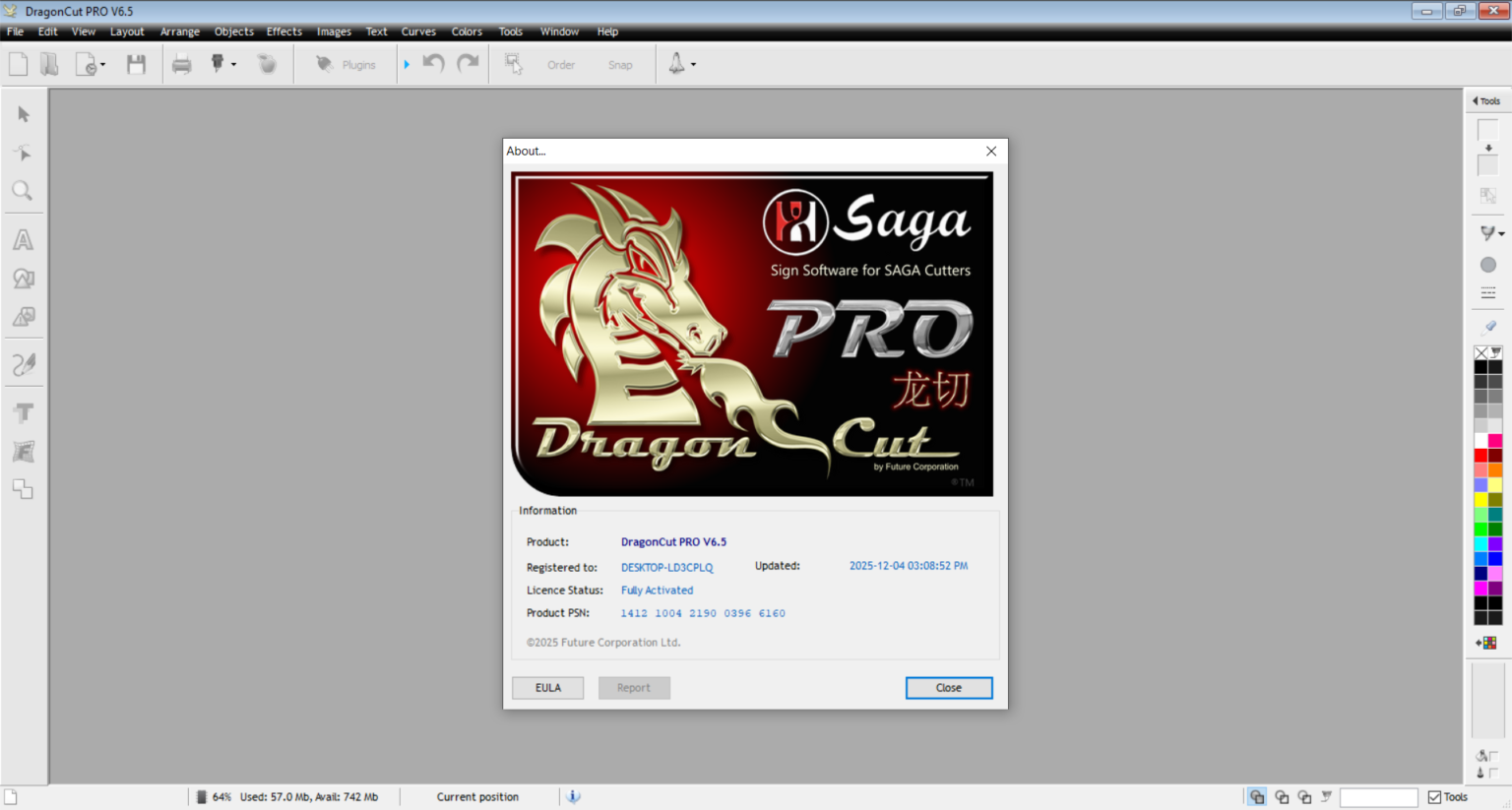
Key Features of DragonCut 6.5
DragonCut includes a variety of features that help streamline the editing process.
Intuitive Editing Interface
- Clean and user-friendly layout
- Drag-and-drop functionality for quick editing
Multi-Track Timeline
- Supports video, audio, and overlay layers
- Easy timeline management for complex projects
High-Quality Export Options
- Export videos in multiple resolutions
- Optimized settings for social media platforms
Built-in Effects and Transitions
- Wide range of visual effects
- Smooth transitions for professional results
Fast Rendering Engine
- Efficient processing for quick exports
- Reduced lag during editing sessions
These features make DragonCut a practical choice for modern content creators.
System Requirements
Before installing DragonCut, ensure your system meets these requirements.
Minimum Requirements
- Operating System: Windows 10/11 or macOS
- Processor: Intel Core i3 or equivalent
- RAM: 4 GB
- Storage: 5 GB free space
Recommended Requirements
- Processor: Intel Core i5 or higher
- RAM: 8 GB or more
- GPU: Dedicated graphics card for better performance
- SSD storage for faster rendering
Meeting recommended specifications will provide smoother editing performance.
Installation Guide
Installing DragonCut is simple and quick.
- Download the official setup file
- Run the installer on your system
- Accept the license agreement
- Choose installation directory
- Complete installation and launch the software
Make sure your system drivers are updated for optimal performance.
How to Use DragonCut: A Quick Start Guide
Step 1: Create a New Project
Open DragonCut and start a new project. Select your preferred resolution and frame rate based on your editing needs.
Step 2: Import Media / Setup
Import video clips, images, and audio files. Drag them into the media library for easy access.
Step 3: Main Workflow (editing/design/etc.)
Place your clips on the timeline and begin editing. Trim, cut, and arrange footage to build your story.
Step 4: Add Features (effects/tools/customization)
Enhance your project with transitions, filters, and text overlays. Adjust color, audio levels, and visual effects to improve quality.
Step 5: Export / Save Output
Once editing is complete, export your video in the desired format. Choose resolution and compression settings for best results.
Best Use Cases for DragonCut
DragonCut is versatile and can be used in many scenarios:
- YouTube video editing
- Social media content creation
- Short films and storytelling projects
- Marketing and promotional videos
- Educational and tutorial content
Its flexibility makes it suitable for both personal and professional use.
Advantages and Limitations
Advantages
- Easy-to-use interface for beginners
- Fast rendering and smooth performance
- Wide range of editing tools
- Supports multiple file formats
- Suitable for various content types
Limitations
- Limited advanced features compared to high-end editors
- May require better hardware for large projects
- Fewer plugins compared to industry-standard software
Alternatives to DragonCut
If you are exploring other options, consider these alternatives:
- Adobe Premiere Pro – Professional video editing software
- DaVinci Resolve – Advanced editing and color grading tool
- Filmora – Beginner-friendly editing software
- Final Cut Pro – High-performance editing solution for macOS
Each alternative offers unique features depending on your editing needs.
Frequently Asked Questions (FAQs)
Is DragonCut suitable for beginners?
Yes, its simple interface makes it easy for beginners to start editing quickly.
Can DragonCut handle professional projects?
It can handle many professional tasks, though advanced users may prefer more feature-rich software.
What formats does DragonCut support?
It supports a wide range of video, audio, and image formats.
Does DragonCut require a powerful PC?
It runs on basic systems, but better hardware improves performance.
Is DragonCut good for YouTube videos?
Yes, it is well-suited for creating and exporting YouTube content.
Conclusion
DragonCut is a reliable and user-friendly video editing tool that balances simplicity with functionality. It provides essential editing features, smooth performance, and flexibility for a wide range of projects.
While it may not replace high-end professional editors, it is an excellent choice for beginners and intermediate users. If you are looking for a straightforward and efficient editing solution, DragonCut is definitely worth considering for your next video project.
Download
Telegram ID
eMail